

Posted by on July 28, 2025
Team Browserling keeps shipping!
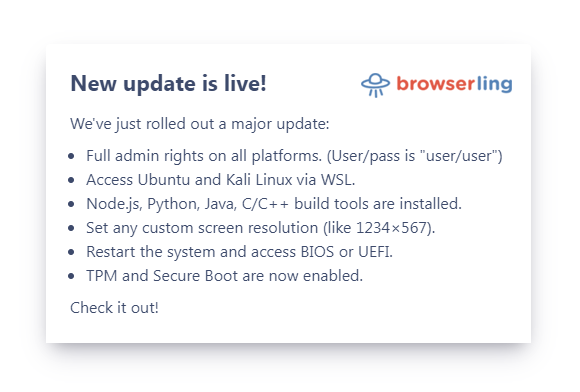
We just rolled out a major update:
- All users now have admin rights on all platforms. You can now install software, change the system configuration, modify the registry, run elevated command prompts, and test apps in real-world admin environments, just like you would on a local machine. Username/password is "user/user".
- We have installed Ubuntu and Kali Linux via WSL. You can now launch a full Linux terminal directly from your browser sessions, run native Linux tools, scripts, and security testing utilities.
- We have installed Node.js, Python, Java, and C/C++ build tools. You can now compile, run, and test your code right inside the browser.
- We have added new display drivers with 4k resolution support. You can now set any custom screen resolution, including full 4K (3840×2160). This lets you test ultra-HD interfaces, pixel-perfect designs, and unique aspect ratios.
- Virtual machines can now be rebooted. You can now restart the system and access BIOS or UEFI. This means you can test boot sequences, modify low-level hardware settings, play with secure boot options, and more. To access, reboot the VM and keep hitting the Escape key.
- TPM and Secure Boot are now enabled. You can now test secure boot chains, BitLocker encryption, and simulate real-world security scenarios like malware persistence, credential theft prevention, and hardware-based attack resistance.
- Windows XP now has Flash installed and includes full audio support. You can run classic Flash content, old enterprise tools, or nostalgic web games exactly as they were.
As always, you can try it all out at browserling.com/browse.
Happy browsing!


Email this blog post to your friends or yourself!
Try Browserling!
Enter a URL to test, choose platform, browser and version, and you'll get a live interactive browser in 5 seconds!
 Subscribe to updates!
 Follow Us
 BizSpark