

Opera 51 has been released today for Mac, Windows and Linux and we also installed it on Browserling's browser cloud. Opera 51 is based on Chromium 64. For the first time Opera has been compiled with Clang. In this post we'll summarize browser features specific to Opera as well as developer features specific to both Opera and Chrome.
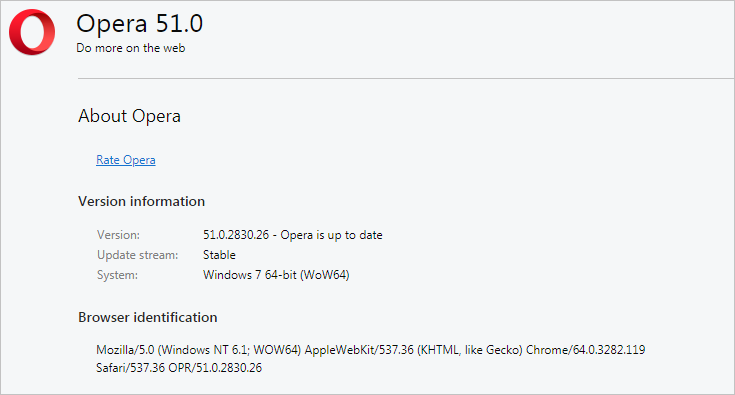
Try Opera 51 in Browserling!
New Features in Opera 51
- Improved browsing speed
Sounds important right? Developers at Opera always try to make Opera faster.
We challenged Opera 51 (running on HP Spectre with Windows 10) to a speed test against the latest Mozilla Firefox 58. The result: Opera is 38% better than Firefox. -- Official Opera blog post
- Click the tab to scroll
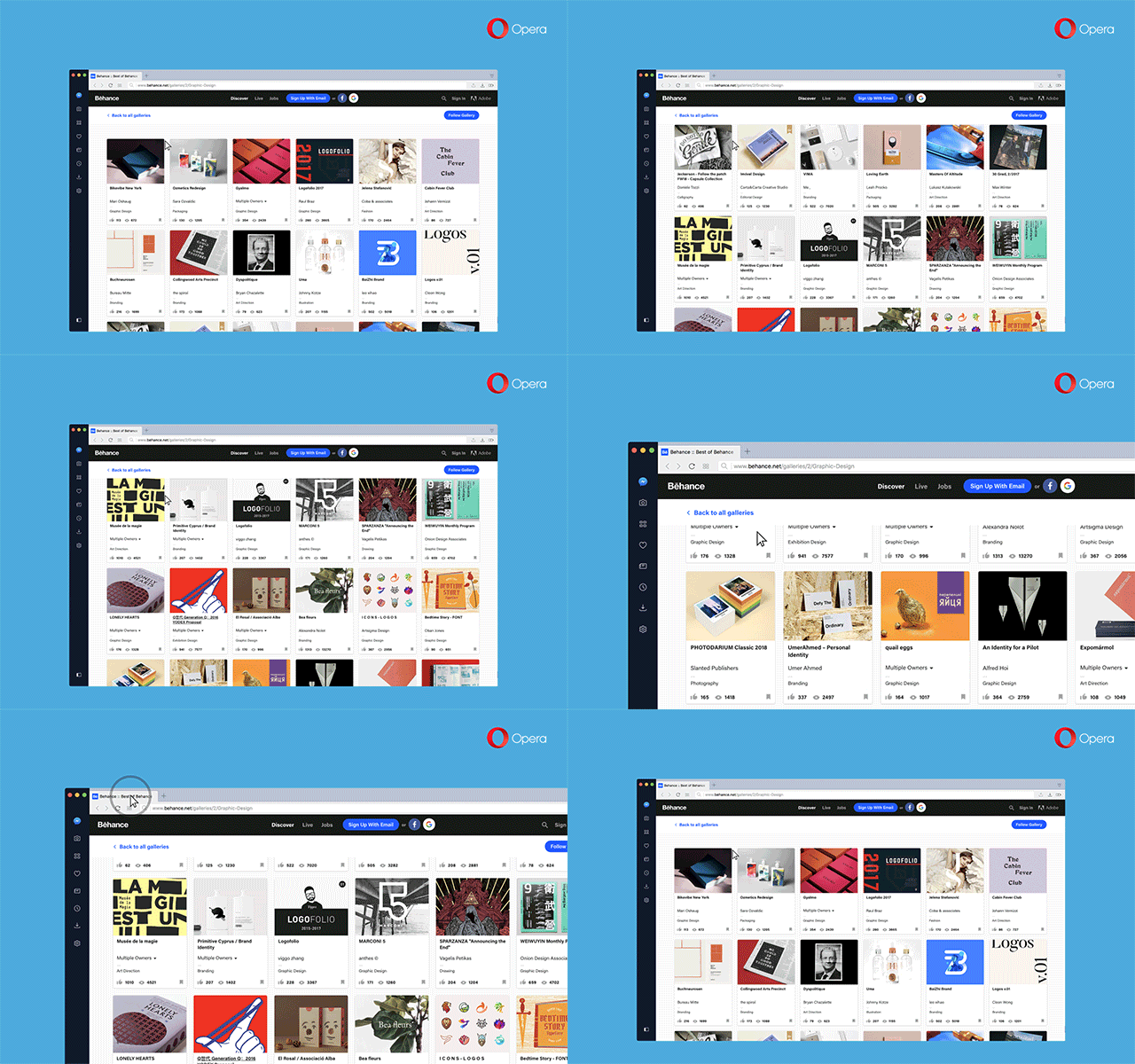
Unique and interesting feature awaits for you in Opera 51. Plenty of popular websites such as Facebook or Twitter generate very long content to scroll through. Now you can simply click on the tab to scroll to the bottom of the page and click again to scroll back to where you were.
- Collapsible lists of opened and closed tabs in tabs menu
Today's Opera 51 release now has two collapsible lists for your open and recently closed tabs. Those lists are located in your tabs bar - far right side. This will declutter the right side of the browser after opening the tabs menu while also making it easier for you to locate a particular tab. Additionally, there is a new feature that lets you pin your tabs until opening the browser for a fresh session.
- Private mode style updated
Opera's private browsing mode now has a new design.
- “Back to tab†button for video pop-out
It is very useful to watch videos as a pop-up, because that way, you can surf around while still watching your videos (for example a Tutorial video). Opera 51 has implemented "Back to tab" link which gives you the ability to navigate back to the source tab playing the video. You will see this button by hovering your mouse over the title of the video. Your video will continue playing in the pop-out window after clicking “Back to tab.â€
- Allow all sites to use Flash
It’s now possible to change the settings to run Adobe Flash on all sites without the site requesting to do so.
- Safely and easily reset browser settings
Resetting browser settings cleans all that up for you without deleting your bookmarks, history or saved passwords. Resetting Opera browser settings prior to Opera 51 was a burden. It required a long process of deleting the browser after saving preferences in a separate file. Developers at Oper has implemented a one-click reset button for this very purpose.
- Preferences backup
Opera now backups preferences in case you uninstall it or install a new version, you can access the saved preferences file at any time and it won't get overwritten.
- Desktop wallpaper in Opera
Opera now now display your desktop wallpaper as a wallpaper in a new tab.
- Import bookmarks added in bookmarks manager
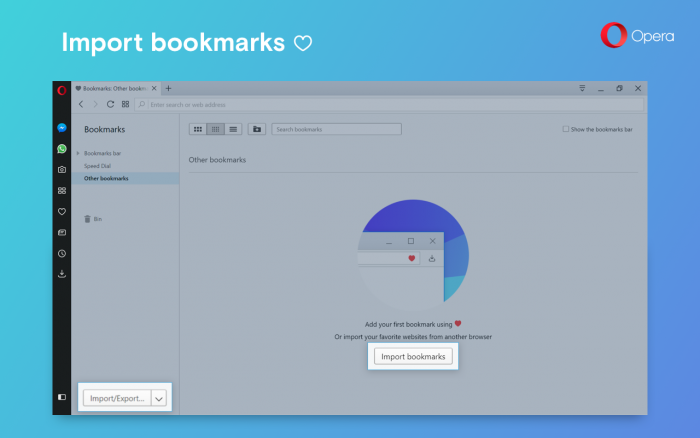
Import/Export button has been added in the expandable menu in the bookmarks manager. This is another way to import and export bookmarks from/to other web browsers.
New Developer Features in Opera 51
- The
SharedArrayBufferfunctionality has been removed. - The resolution of
performance.now()has been clamped to 100μs. - Resize Observer.
- support for the
import.metaproperty. - The
offset-pathproperty can now be animated, allowing for even more creative ways to move an element around. - The
text-decoration-skip-inkCSS property has been added, allowing developers better control over how underline and overline decorations are drawn when they cross over a glyph. - Coordinates of a
PointerEventwithpointerType === "mouse"are now fractional, resulting in more precise mouse measurements. - Support for named captures in regular expressions has been added.
- Support for Unicode property escapes
\p{…}and\P{…}for regular expressions that have the ‘u’ flag set has been added. Intl.NumberFormat.prototype.formatToParts()has been added to assist with local-aware formatting of strings produced by internationalization formatters.- The default
preloadvalue for<video>and<audio>elements has been changed tometadatain order to reduce bandwidth and resource usage, by only loading resource metadata and not the media resource itself. This aligns Opera with other browser implementations. - A
"NotSupportedError"DOMExceptionis now thrown when a media element’s playbackRate is set to a value that is not supported by Opera, like a negative value. getUserMedia()now returns a rejected Promise with aDOMExceptionorOverconstrainedErrorwhen there is an error.- The cache mode] of a
Requestcan now be specified using thecacheoption and accessed usingRequest.prototype.cache. For reload requests, the"reload"value is now also exposed through said property. - The Permissions API can now query the status of the
cameraandmicrophonepermissions. HTMLElement.prototype.focus, accepts thepreventScrolloption, to allow focusing an element without scrolling to it.- Support for the
transform-boxCSS property has been added. This allow developers better control over what percentages are resolved against in thetransformandtransform-originproperties on SVG elements. AudioWorklet, an API that exposeslow-level audio processing capability to support custom AudioNodes, is now available behind the experimental flag.- The
RTCPeerConnectioninterface now supportsaddTrack()for single stream use cases, as well asremoveTrack(),getSenders()andontrack. A minimal version of theRTCRtpSenderinterface is now also supported. window.alert()no longer brings a backgrounded tab to the foreground but instead shows the alert when the user switches to the background tab.
Deprecations and interoperability improvements in Opera 51
- The non-standard
getMatchedCSSRuleshas been removed. - An
Elementcan no longer host more than one Shadow Root. - To encourage adoption of standardized loading metrics API such as Navigation Timing 2,
nextHopProtocoland Paint Timing API, the non-standardizedchrome.loadTimesAPI is being deprecated.
Happy cross-browser testing with Opera 51!


Email this blog post to your friends or yourself!
Try Browserling!
Enter a URL to test, choose platform, browser and version, and you'll get a live interactive browser in 5 seconds!
 Subscribe to updates!
 Follow Us
 BizSpark