Test websites on real Chrome, Firefox, Safari, Edge, Opera, and Internet Explorer browsers running on real operating systems. Find browser-specific bugs before your users do.
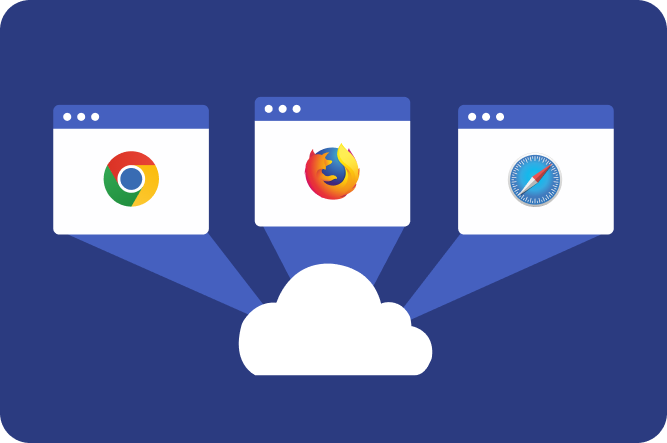
Launch virtual online browsers instantly from the cloud without downloading software, managing virtual machines, or maintaining a device lab.
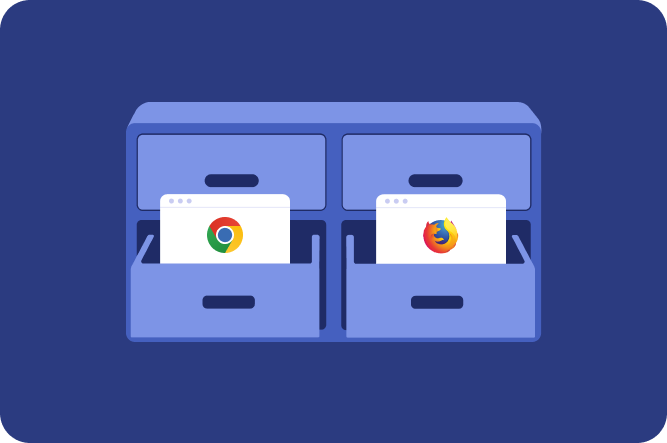
Run websites in isolated online browser sandboxes and safely test web applications, downloads, links, and content without affecting your local machine.
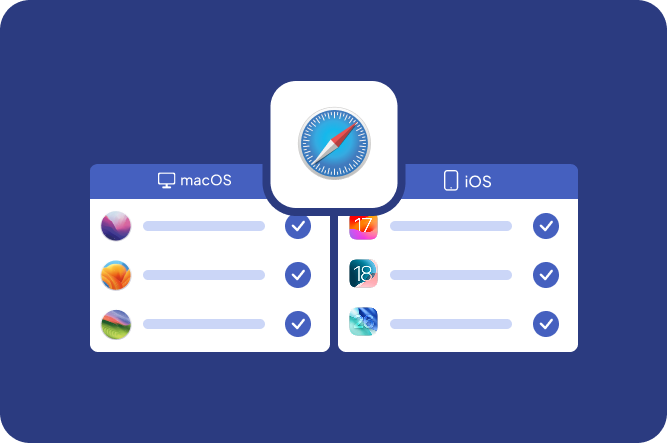
Test websites in native Safari browsers across multiple macOS and iOS versions.
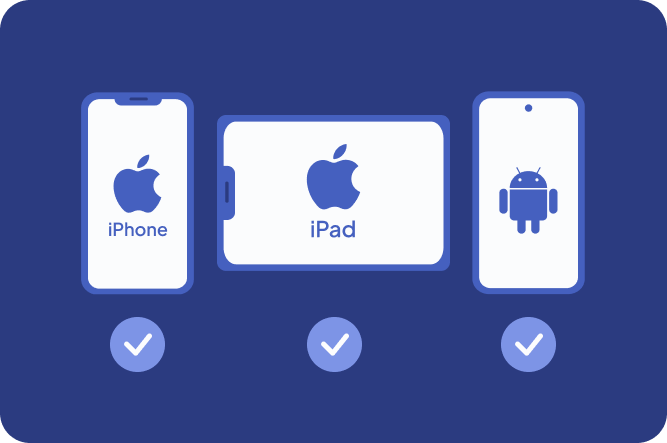
Verify website functionality, layouts, forms, and user journeys in real mobile browsers running on Android and iOS devices (including iPhones and iPads).
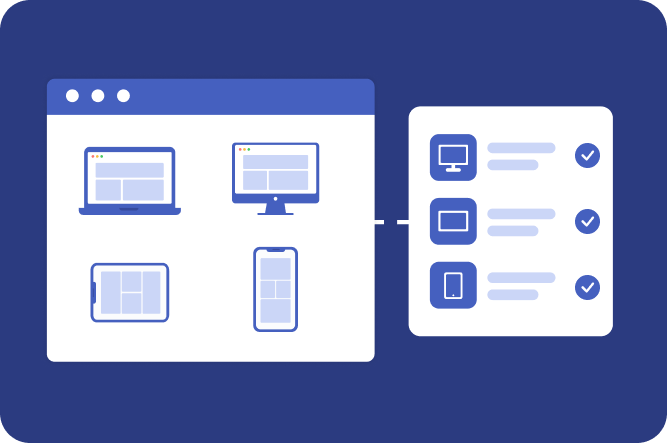
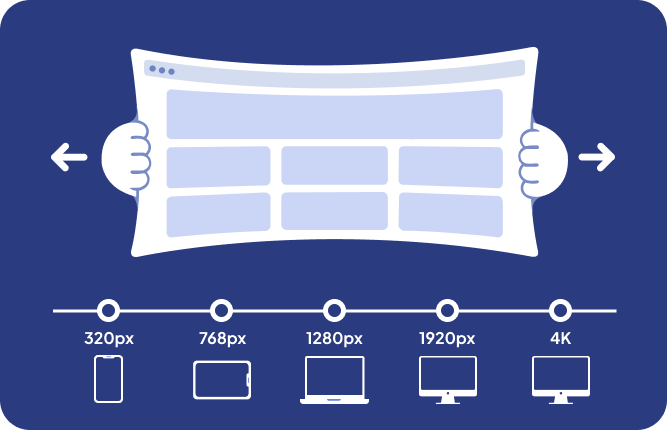
Test websites at different screen sizes, reso lutions, and device viewports to ensure a perfect responsive experience.
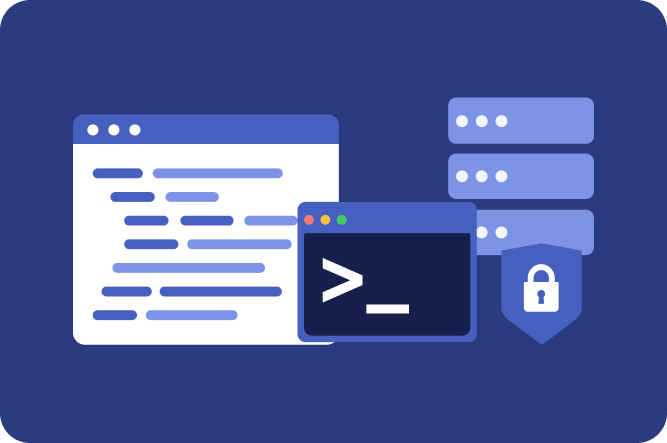
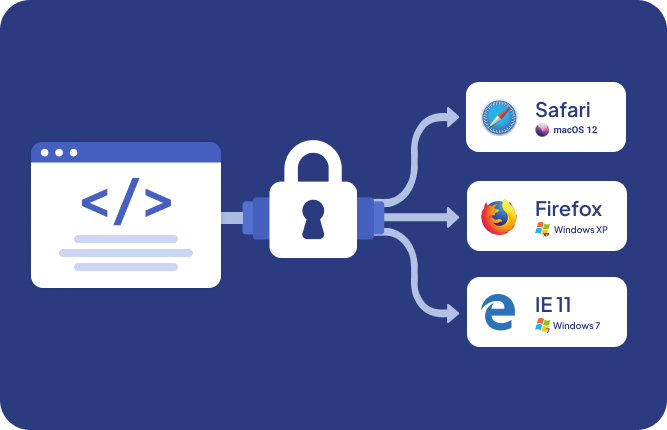
Test local development environments, staging servers, and private websites through secure SSH tunnels before deployment.
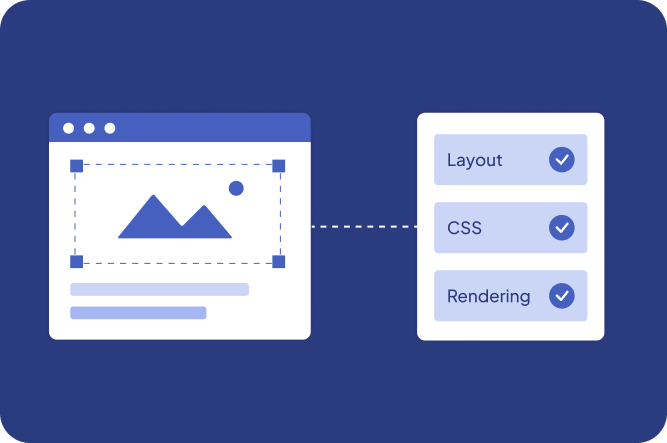
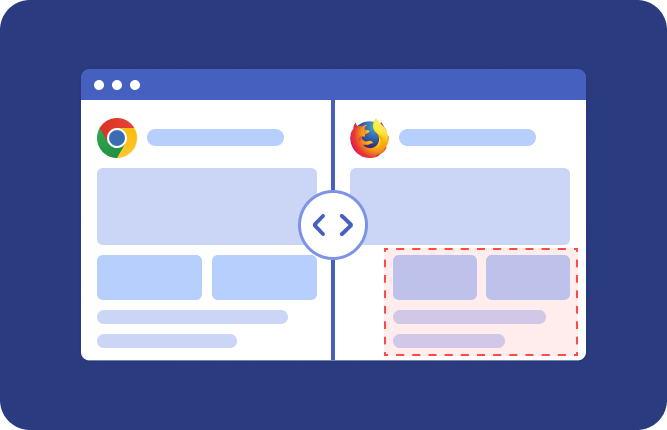
Capture browser screenshots, compare layouts across browsers, and quickly identify CSS, JavaScript, and rendering issues.
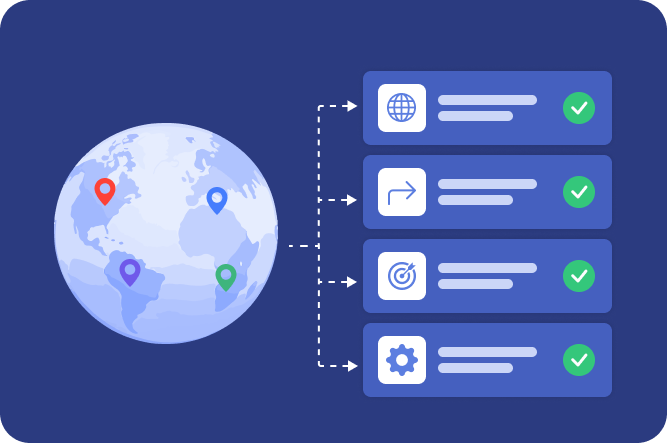
Test localized content, international redirects, geo-targeted experiences, and region-specific functionality from locations worldwide.
Upload files to browser sessions and securely download generated files for end-to-end testing of web applications, forms, file converters, and document workflows.
Start cross-browser testing with one click using Browserling's browser extensions and bookmarklets for Chrome, Firefox, Edge, and other browsers.
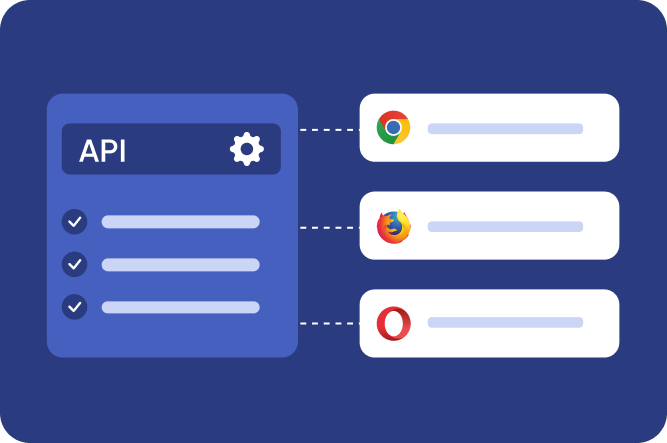
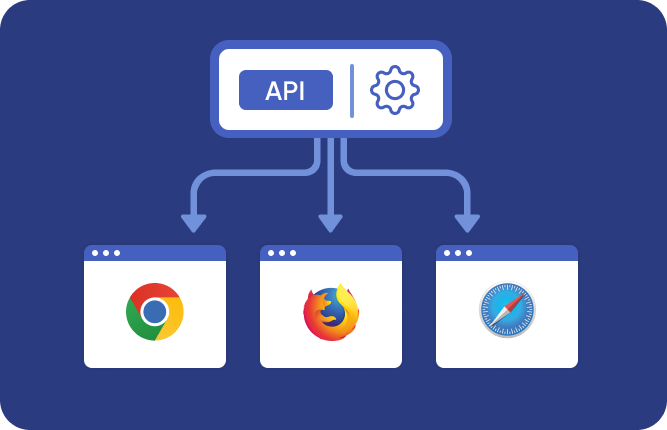
Integrate live browsers into your applications and workflows through Browserling's API. Launch browsers on demand, automate testing, and embed browser sessions directly into your products.

Test your website across real browsers, OS versions, and screen sizes — without managing any infrastructure or virtual machines.
For casual browsing and basic cross-browser testing.
For advanced workflows with more browsers, OS versions, file uploads, and tools.
Full access with macOS, iOS, file downloads, and premium networking options.
Full-scale browser testing infrastructure for large organizations with custom SLAs, SSO, and dedicated support.
Cross-browser testing and link checking for small teams.
Advanced browser and OS coverage for growing dev and QA teams.
Full access with macOS, iOS, and dedicated support for large teams.
All plans can be cancelled at any time, no questions asked. Backed by 30-day money-back guarantee.
A new release works in Chrome on Windows, but users report that a form breaks in the Safari browser on macOS. Instead of trying to approximate the setup locally, you launch the affected browser and operating system combination in a live virtual browser. Because the session runs a real browser in a virtual machine rather than a browser emulator or browser simulator, you can reproduce the actual JavaScript, CSS, rendering, and input behavior, inspect the failing flow, capture screenshots, and verify the fix in the same environment. This makes cross-browser testing faster and more reliable when bugs appear only under specific browser and OS combinations.
A web application needs to support users across Chrome, Firefox, Edge, Safari, Opera, and different versions of Windows, macOS, Android, iOS, and Linux. Launch browser and OS combinations on demand through an online browser and cloud browser platform, and interact with the site as if the browsers were installed locally. You can compare rendering, JavaScript execution, forms, navigation, uploads, downloads, and complete user flows across environments. This gives development and QA teams practical multi-browser testing coverage without maintaining their own browser lab, device collection, or fleet of virtual machines.
A signup flow works on desktop but users report problems when opening it from phones and tablets. Launch Android, iPhone, and iPad browser environments, including the native Safari browser, and walk through the same flow as a mobile user in a sandboxed browser session. You can verify touch-oriented interfaces, responsive layouts, browser-specific behavior, redirects, forms, and other mobile interactions without maintaining a physical device collection. On iPhone and iPad environments, you can also open browser developer tools to inspect the DOM, review console errors, analyze network requests, debug JavaScript, and download HAR files for deeper HTTP traffic analysis during mobile browser testing.
A redesigned dashboard looks correct at 1920×1080, but navigation overlaps and tables overflow at smaller resolutions. Open the site in a live online browser, resize the browser window, and switch between screen resolutions up to 4K. You can test CSS media queries, responsive breakpoints, fixed and sticky elements, modal sizing, overflow behavior, and layout changes across desktop and smaller viewport configurations. Running the same checks across multiple virtual browser environments also helps uncover browser-specific responsive issues during browser testing.
A developer finishes a feature on localhost, but the team needs to test it in Safari, Firefox, and older Windows browsers before deployment. Create an SSH tunnel that reverse-proxies the local development server into the remote browser session. The application can stay on localhost or inside a private environment while you test it interactively across browser and OS combinations. This enables cross-browser testing of unfinished features without publishing development builds to the public internet or setting up separate remote testing infrastructure.
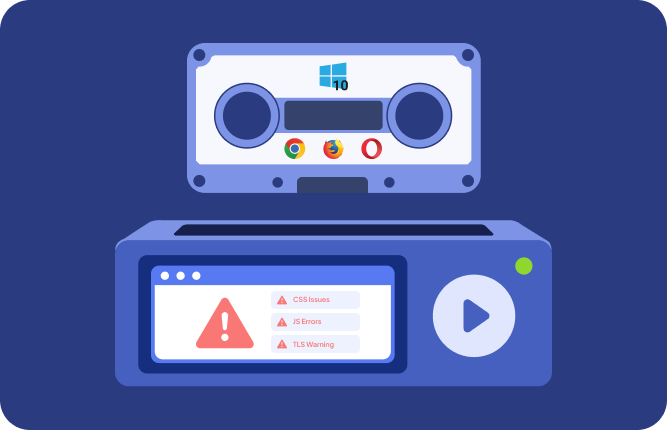
An enterprise customer reports that an internal application fails on an older browser running on Windows 7, but the development team no longer maintains that setup. Launch the matching Windows and browser environment on demand in a virtual browser and reproduce the issue directly. You can test older JavaScript behavior, CSS compatibility, TLS-dependent flows, form handling, and browser-specific rendering without preserving outdated hardware or maintaining separate legacy virtual machines. For browser testing teams, this provides fast access to legacy environments that are difficult to recreate locally.
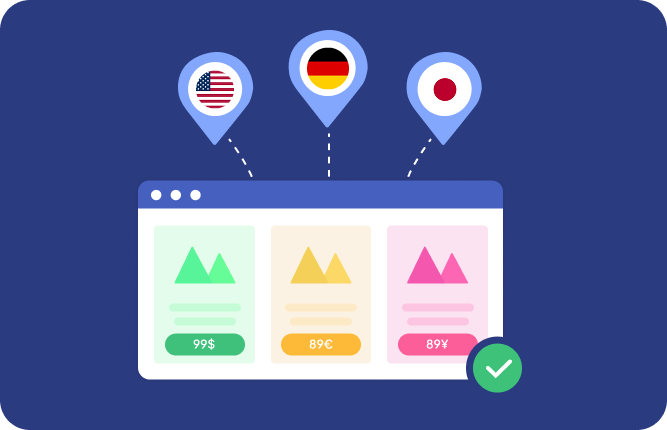
A website changes language, pricing, available products, or redirect logic based on the visitor's IP address. Launch online browser sessions from different geographic locations and IP environments, including datacenter IPs, residential IPs, real mobile GSM/4G IPs, Tor exit nodes, or your own proxy IP. You can verify geolocation logic, regional redirects, localized content, country-specific pricing, and location-dependent application behavior from the user's actual network perspective. Combined with cross-browser testing, this lets you compare both regional and browser-specific behavior across multiple browsers, operating systems, and network locations.
A document-processing application works for simple page loads, but failures appear when users upload files, trigger server-side processing, and download generated results. Transfer test files into the browser sandbox through drag and drop or command-line tools such as curl, then run the complete workflow in a real browser. You can validate multipart uploads, download handling, generated files, browser prompts, and application state across different browser environments. When the session ends, uploaded and downloaded files are wiped, giving teams a contained sandboxed browser environment for browser testing and cross-browser testing of file-heavy web applications.
A QA platform or internal developer tool needs browsers on demand instead of requiring testers to launch every environment manually. Use the Live API to start virtual browser sessions programmatically and integrate remote browser sessions into your own application or testing workflow. Teams can provision browser environments when needed, expose interactive online browser sessions to users, and build automated online browser testing workflows around real remote browsers without maintaining the underlying infrastructure. Because sessions run in isolated environments, the same architecture can also support sandboxed browser workflows for untrusted or externally supplied web content.
A page looks correct in one browser, but QA notices shifted elements, missing fonts, or inconsistent spacing in another environment. Open the same website across multiple real browsers and operating systems, then compare how each version renders during cross-browser testing. Unlike a static website previewer or simple browser emulator, the live online browser session is fully interactive, so you can reproduce hover states, open menus, trigger modals, and navigate to the exact failing state. Capture and save screenshots to document visual differences, share browser-specific bugs with developers, and verify that CSS and layout fixes work consistently across environments.