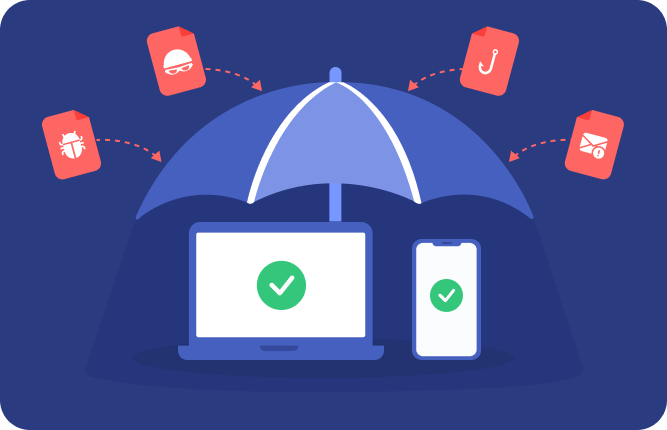
Every session starts clean and self-destructs on exit: no history, no persistence, no cross-session risk.

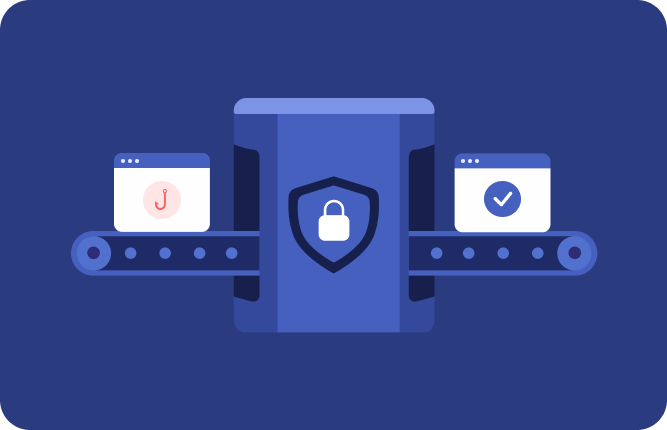
Safely open untrusted websites, links, and files in disposable cloud browsers that never touch your device or network.

Open uploads, downloads, attachments, and emails inside the sandbox to inspect behavior without risking your local machine.
Launch a secure online browser in seconds with no downloads, installs, or infrastructure to manage.
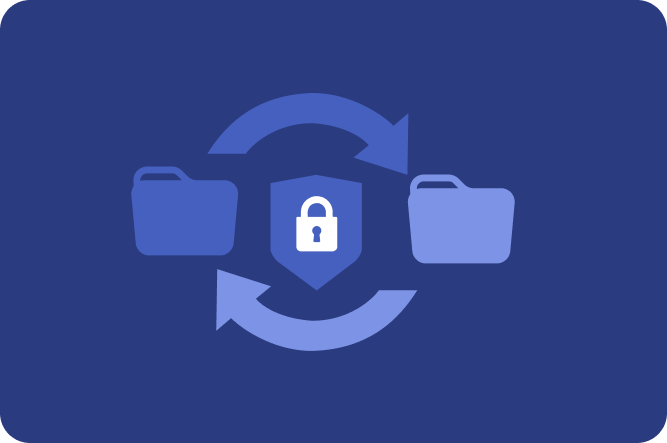
Securely move files in and out of isolated virtual browsers for safe handling and deeper analysis.

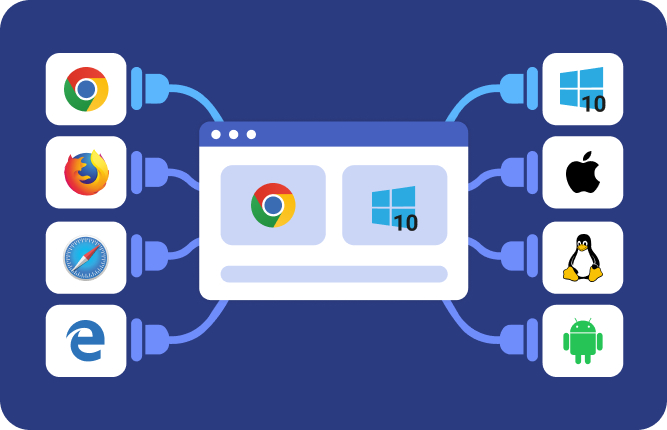
Test across real browser, OS, and mobile environments in isolated virtual sandboxes.

Browse as different users, regions, and networks to see how content behaves in real-world conditions.

Investigate suspicious websites, URLs, files, emails, and attachments with powerful built-in tools for debugging and reverse engineering.
Enforce access, manage teams, and maintain compliance with centralized controls designed for enterprise security workflows.

Triage suspicious links, detonate files, and investigate threats in isolated cloud sandboxes — without exposing your device or network.
2 months free with annual billing
Quick link checks and product trial.
Phishing triage and suspicious URL validation.
Detonate files, control network paths, access macOS and Android.
Managed investigation infrastructure for teams and security operations.
See feature comparison table.
“We've used Browserling at Covenant Health for years, and it's one of the most affordable tools in our arsenal. Great for checking shady links and phishing URLs. Highly recommend!”
Covenant Health
A user reports a suspicious login page that looks like Microsoft 365, but the URL doesn't match. Instead of opening it locally, you load the link inside an isolated browser and watch how it behaves. The page redirects through multiple domains, loads a cloned login form, and attempts to capture credentials. You inspect the network traffic, review the source, and confirm it's harvesting data. The site stays contained, you collect the indicators, and the incident moves forward without risking your own system.
Security teams routinely encounter phishing campaigns designed specifically for macOS browsers, often using fake update prompts, credential harvesters, or malicious downloads disguised as trusted apps. Open the link inside an isolated macOS browser so you can observe redirects, payload delivery, and user targeting without exposing your own system. This lets you validate the threat, capture indicators, and move quickly from triage to response.
Security teams routinely encounter phishing campaigns designed specifically for mobile users, including fake app prompts and flows that trigger downloads or credential requests. Teams can open untrusted content inside isolated mobile browsers running Android and iOS to observe mobile-specific behavior like app prompts and payload delivery without exposing a physical device. This makes it possible to validate the threat, capture indicators, and move quickly from triage to response.
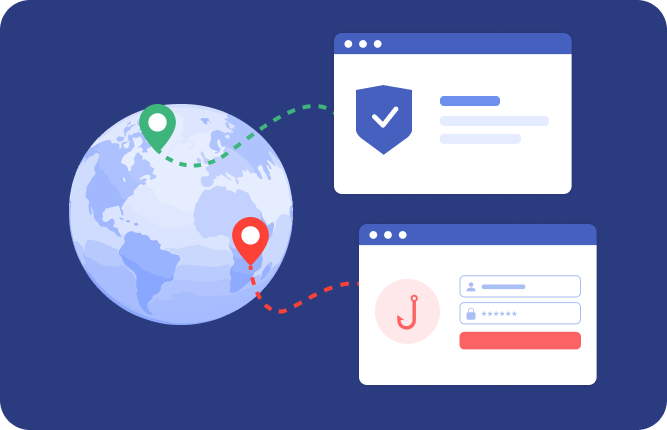
An alert shows a suspicious URL behaving differently for users outside the U.S. Reports from Europe suggest a fake invoice, but your initial check from a U.S. IP looks harmless. You relaunch the session using a European location and open the same link. This time, it redirects to a credential harvesting page with localized branding and language. You compare responses across regions, capture the infrastructure differences, and confirm the campaign is geo-targeted. The investigation stays contained while you build accurate indicators for global blocking.
A reported message claims to be an urgent invoice and pressures the recipient to review a document immediately. Instead of opening it in your mail client, you upload the email file into an isolated browser and render it there. The embedded link leads to a spoofed login page, and the attachment contains a document with hidden macros designed to trigger on open. You inspect headers, links, and file behavior in one contained session, confirm it's a phishing attempt, and extract indicators without exposing your system.
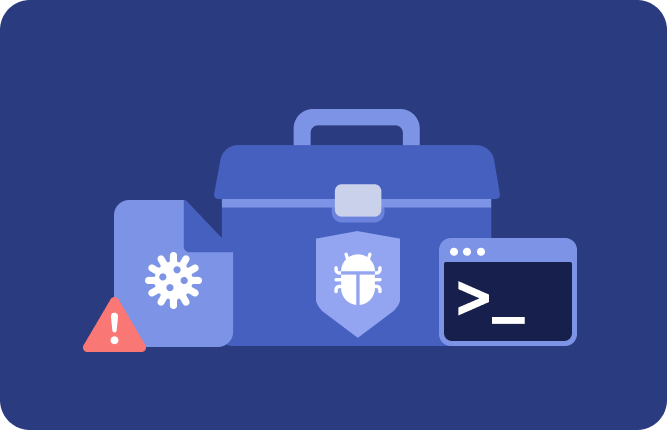
An alert escalates from a suspicious download to a potential multi-stage infection. Instead of jumping between separate tools, you launch a sandbox with a preinstalled malware toolbox and run the entire workflow in one place. You detonate the file, monitor processes, inspect network traffic, and decompile artifacts as needed. Everything stays contained in a single session, so you can move from initial triage through full analysis without breaking context or exposing your system.
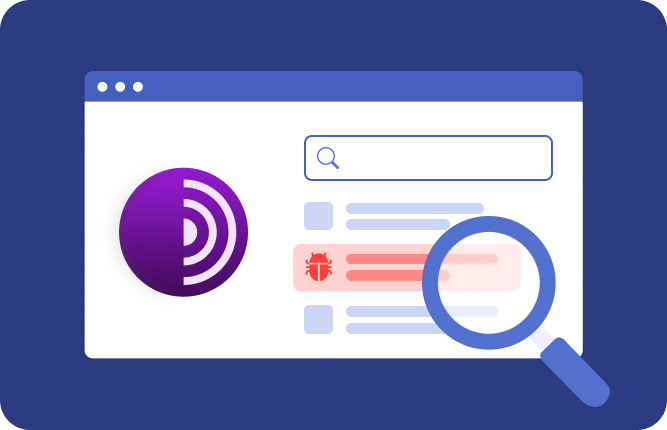
Threat intel flags a phishing kit being distributed on hidden services indexed by Ahmia. Instead of connecting through your own environment, you launch a Tor-enabled isolated browser and run the search there. The results surface cloned login pages, credential harvesting kits, and supporting infrastructure. You open links, observe behavior, and collect indicators in a contained session, keeping your identity and system protected while the investigation moves forward.
Some threats only appear under specific conditions, like a certain browser, OS, or device type. Isolated browsers give you instant access to environments across Windows, macOS, Android, iOS, and Linux, along with browsers like Google Chrome, Mozilla Firefox, Microsoft Edge, Safari, and Opera. You can quickly reproduce user conditions, compare behavior across environments, and validate how threats are delivered or triggered, all within isolated sessions.
Security leaders need a way for teams to investigate suspicious websites, URLs, files, emails, and attachments without exposing corporate endpoints. Instead of relying on individual judgment or complex tooling, isolated browsers give teams a controlled environment where anything untrusted stays contained. When the session ends, nothing persists, reducing the risk of infection, data leakage, or lateral movement while keeping investigations fast and consistent.